
Cinema Sign is the current cinema digital-signage application, previously described here as AutoPoster. Use an Android TV player to display film posters, trailers, session times, Coming Soon titles and programmed advertising. It is free to use, with no per-screen subscription.
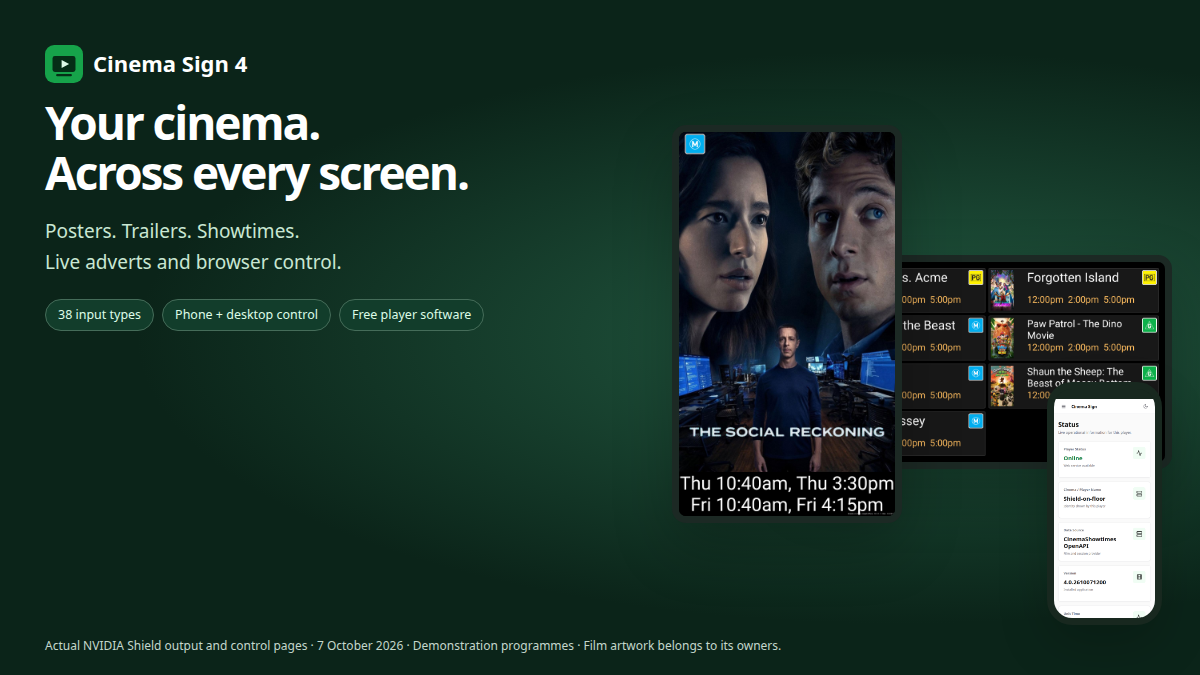
Keep the foyer display up to date
- Show scheduled films, trailers and session times, or build a Coming Soon display.
- Choose portrait or landscape layouts and the cinema’s classification region.
- Control films, sessions, media and player settings from a web browser on a phone or computer.
- Cache poster and trailer files on the player for local playback.
- Coordinate multiple players and use a master player to share cinema data and media.
- Insert image and video adverts, or a live URL poster such as a weather or news page. Live pages need network access and must permit embedding.
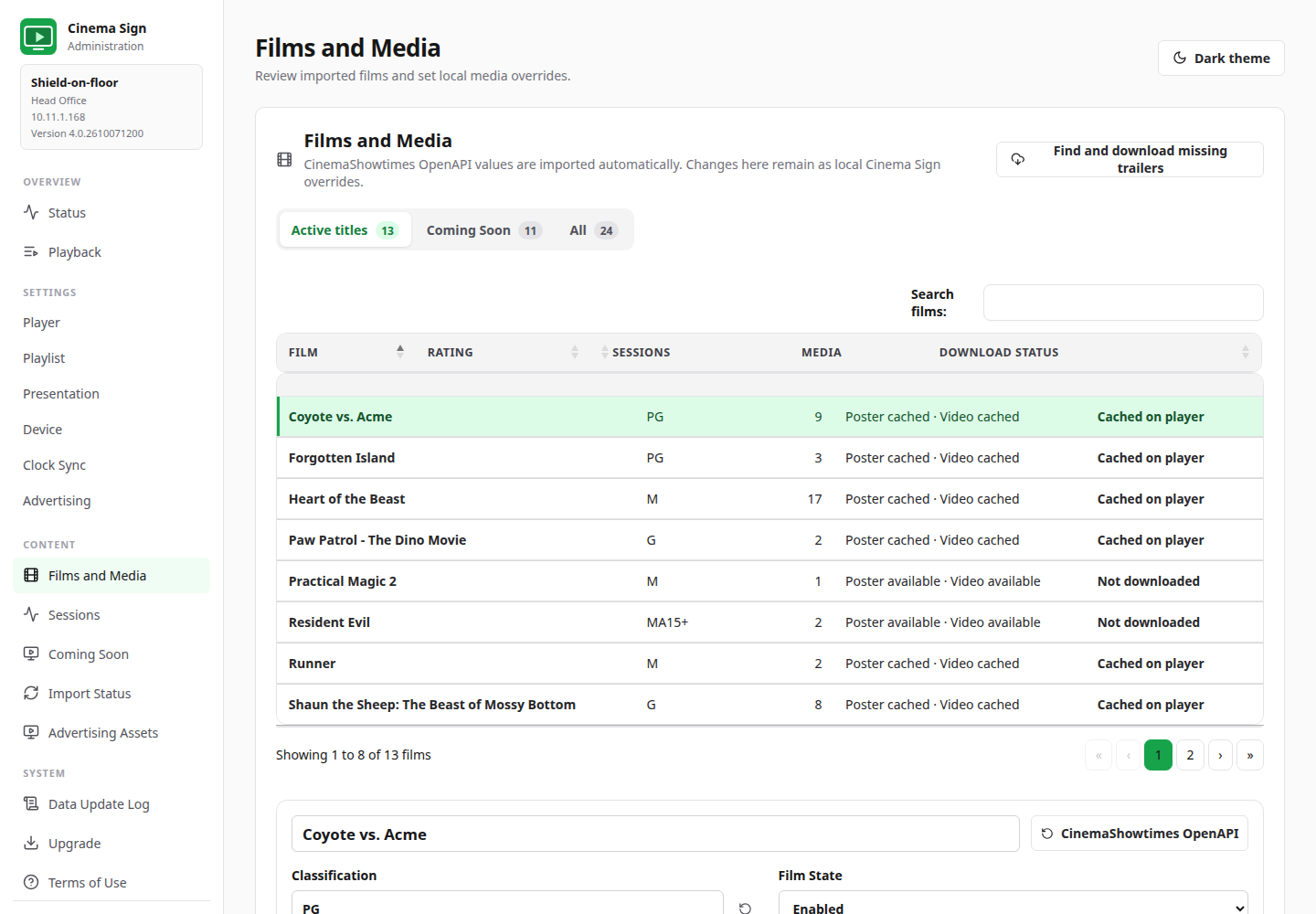
More ways to connect cinema data
The current implementation offers 38 input choices. Start with manual entry, follow another Cinema Sign player, or use the open CinemaShowtimes-JSON feed. Veezi and VenueMaster have been used successfully at cinema sites. BLOAD.TXT, the newer BLOAD – TaPOS format, and TaPOS / MEDIA2 provide additional cinema schedule paths.
TaPOS / MEDIA2 reads the XML media and session feed, including its poster URLs and classifications. It also provides choices for how films without sessions are treated as Coming Soon. It remains beta while venue testing continues.
The broader provider collection includes Vista, movieXchange and other ticketing integrations. Public examples and vendor documentation provide different levels of evidence; an implemented beta reader still needs validation against your own venue, credentials, time zone, sessions and media before public use.
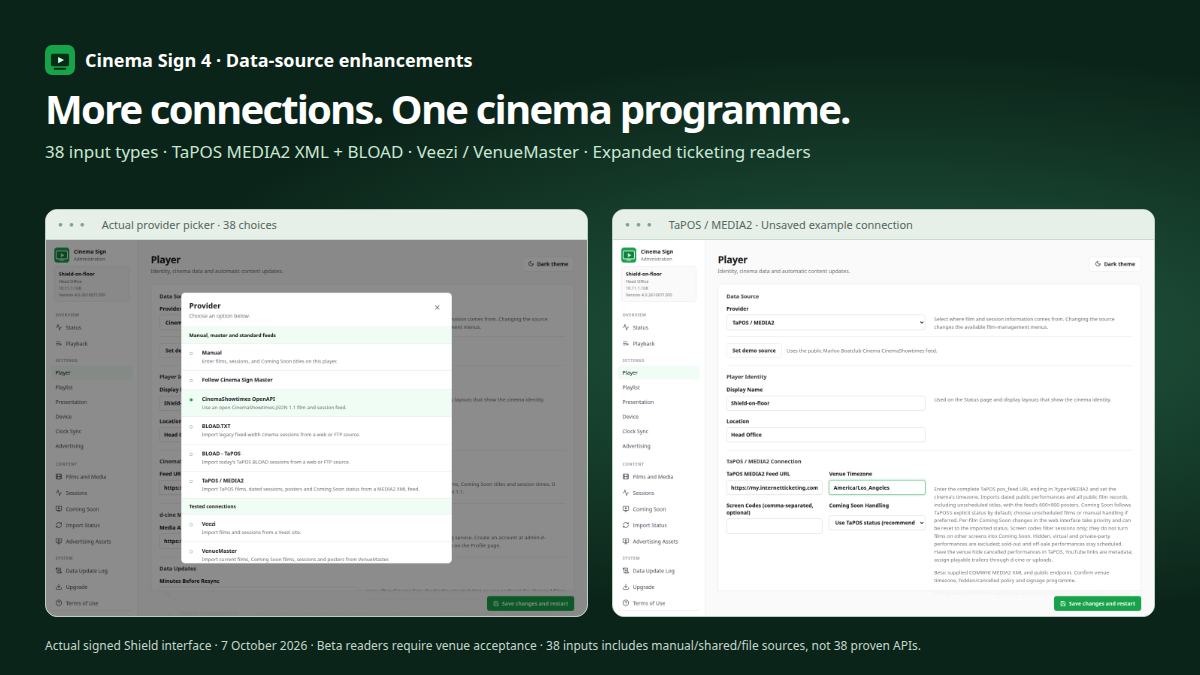
More Cinema Sign features · Open CinemaShowtimes-JSON standard
Getting started
NVIDIA Shield is the recommended Android TV player. Other Android TV devices vary in memory, storage and background-operation behaviour, so run a pilot first. Install the signed APK, accept the terms, open the administration address displayed by the player, and start with the public demo feed. Then choose your cinema’s data source, classification region and display layout.
For routine operation, the app’s diagnostic file logging defaults to Off and a recent in-memory report remains available. The Device page shows applicable Android access settings; Player cleanup can reclaim unneeded files within the permissions Android allows.